How it works
LeakData monitors your account and the digital assets you add, shows important changes in context, and makes the next security step clear.
You decide what to monitor.
Add
Add your account or a supported digital asset to monitoring.
Validate
The finding, its source and relationship to the asset are assessed together.
Prioritise
Risk level and likely impact become visible.
Act
Reduce the risk with recommended steps and continue monitoring.
01 · Monitor, understand, see the summary
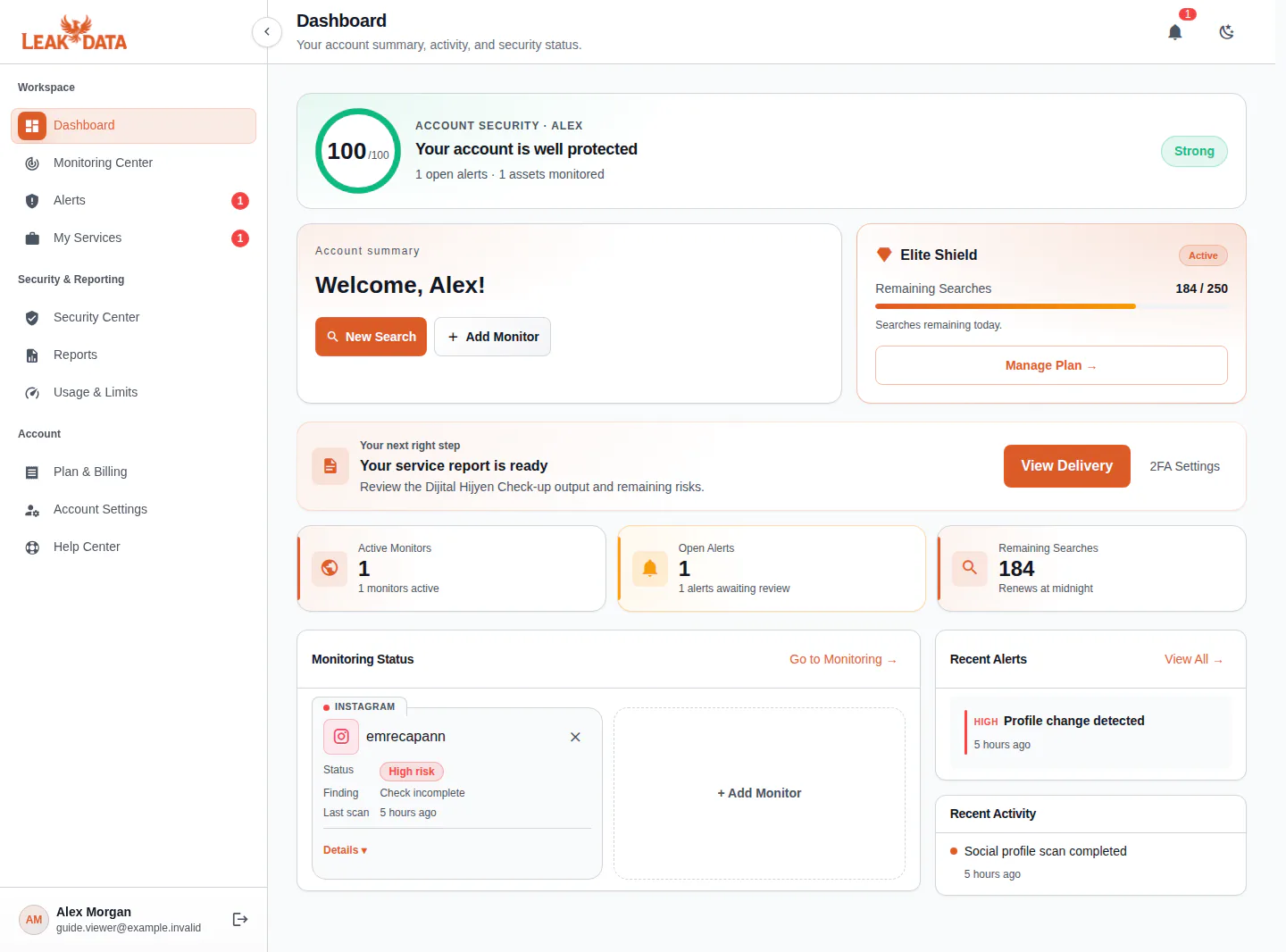
All your digital assets at a glance.
See account security, monitoring records, open alerts and ready reports in one workspace.
- Account security score and quick status
- Open alerts and recent activity
- Monitored assets and finding status
- Recommended next security step
02 · See risk, act on priority
See social media risk in one clear report.
Public profile changes, suspicious impersonation signals and monitoring status come together in one report.
- Risk score and priority
- Finding summary and last scan
- Detail view and report export
 @emrecapannInstagram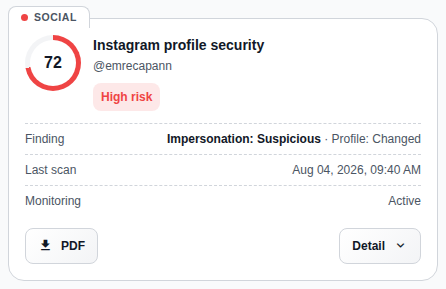
03 · Turn visibility into action
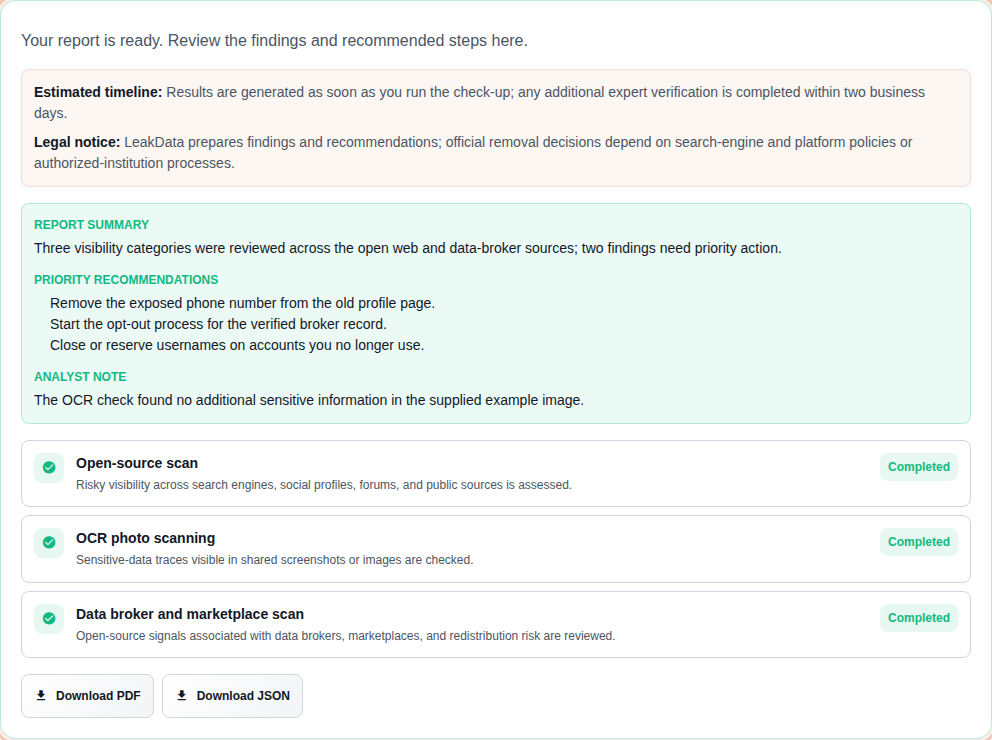
Act with your digital hygiene report.
Monitored-email checks and the DRS findings report are shown with their actual run states.
- Report summary and priorities
- Status for each check area
- PDF and JSON report outputs
Continue with the right security check
The workflow is shared; checks and practical details live on their dedicated pages.
See your digital risk. Take the right next step.
Choose the coverage you need and start protecting your account, passwords and digital assets in one place.